-2.png?width=221&height=60&name=Navigo_Logo_High_Res%20(1)-2.png)
Model Permissions
To share your model with other collaborators, you can add individuals and set permissions using the ‘Share’ button from the overview window or from the toolbar icon.
-
Open the model you wish to share.
-
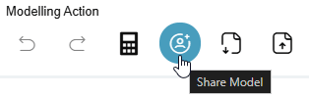
Once the model is open, you can select the 'Share Model’ icon in the toolbar.
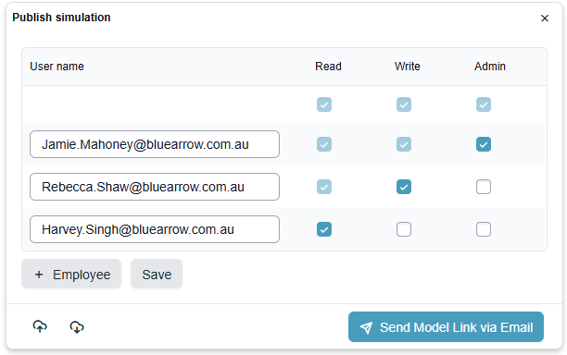
Simply select a user from the search list & select ‘+ Add’:
-
Read access - Can only view the model
-
Write access - Can view and edit the model
-
Admin access - Can view, edit and delete the model.
Please note, you can only share one model at a time. Also, users will only be able to access plans based on their permissions, you cannot share a plan with a user who is not authorised to access Modelling.
The Navigo team can also configure a default set of users to receive access to each model/simulation when it is created.
The two icons in the bottom left allow you to download and upload access permission for scenarios where many users need access applied from an older model to a new one.