-2.png?width=221&height=60&name=Navigo_Logo_High_Res%20(1)-2.png)
See Performing a Data Refresh to update the data.
The Overview Window is used for navigation to previous models. To return to a previous version of a model you have been working on:
-
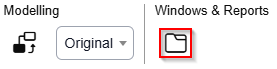
Access the Overview Window icon under “Windows & Reports”
-
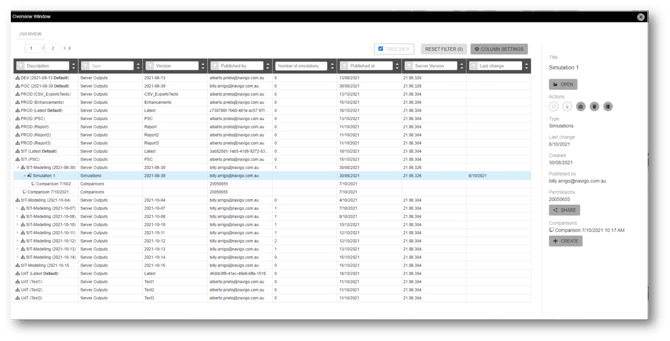
The overview window will be open. Each row shows every data refresh that has occurred. Expanding the row will reveal any models the user has access to based version dates.
-
To easily navigate to your previous model, you can use the filters.
-
Filter by description and search for the name of your model
-
Filter by ‘published at’ to narrow the results by creation date
-
Filter or reorder by `Last Change` to identify the model last worked on.
-
The data for your current organisational charts is being refreshed on a schedule determined by you. For Modelling, this is typically weekly. Standard org charts viewed by the entire organisation are refreshed daily.