-2.png?width=221&height=60&name=Navigo_Logo_High_Res%20(1)-2.png)
Visualisation rules are a way to toggle on and off data fields, the icon in your Toolbar looks like this:
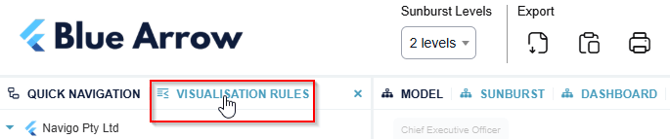
You can create as many Visualisation Rules as you wish. Visualisation Rules is a feature used across different views.
In Your Org Chart
Toggle on and off data to create views purpose fit for different audiences. For example, toggle off ‘Show Employees’ to easily desensitise the data and leave Position data in the hierarchy only.
Toggle off ‘Show Impact Highlights’ (great for Consult Packs). It creates a clean version of your model, without stripping away your work. ‘Show Disestablished’ will remove from the structure those roles marked to be Disestablished, but doesn’t not impact metrics.
Sunburst View
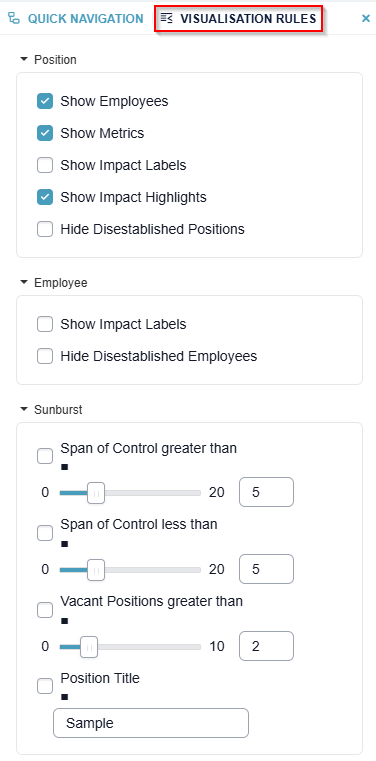
Visualisation Rules are used heavily in the Sunburst View as it allows you to highlight key areas of your structure you may wish to concentrate on first (such as Span of Control).