-2.png?width=221&height=60&name=Navigo_Logo_High_Res%20(1)-2.png)
You can load additional point-in-time data snapshots into your org.manager environment.
This allows you to model on the structure as at a particular date or create comparisons against different data sets.
To add an additional data snapshot:
-
Select the Self-Service icon in the toolbar

-
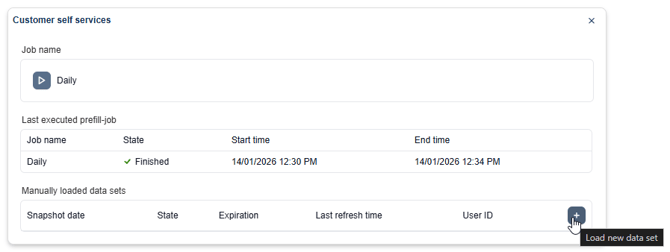
Select the '+' icon in the bottom right to load a new data set
-
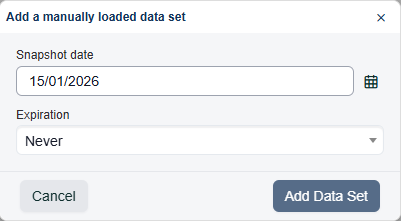
Add the desired date of the snapshot and configure the expiration date. The expiration date sets when the snapshot is no longer accessible, this can be set to never, a fixed date or a set amount of hours after the last usage of the snapshot.