-2.png?width=221&height=60&name=Navigo_Logo_High_Res%20(1)-2.png)
You can edit an object (Position, Department etc) to alter details and properties of the selected object. These changes can eventually be written back into your SuccessFactors Data.
To edit an object, select ‘Edit Position Details’ when modelling is enabled:
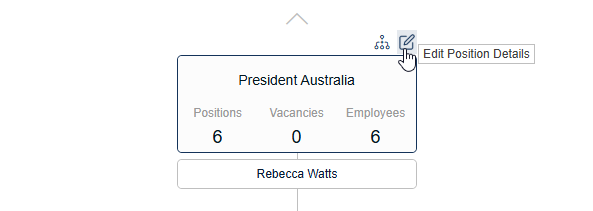
This will open the ‘Edit in simulation’ window:
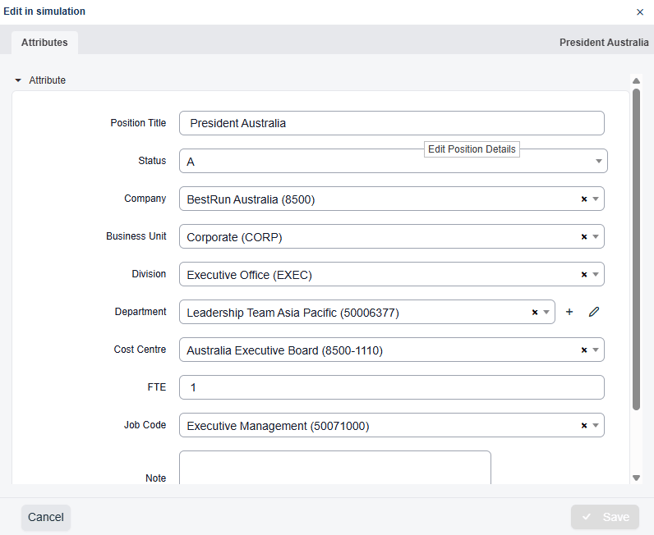
Update all the required fields, which are configurable based on your requirements. Once saved, a conditional highlight will appear in the box to reflect the change made and the Details Pane (metrics) will also be updated.
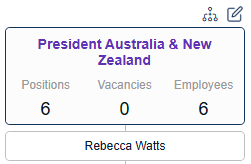
The above position has had a change in position title, indicated by the text highlight (in purple).
Edit an Org Unit/Department
Follow the steps above, selecting the edit pencil when hovering over the Org Unit or Department.