-2.png?width=221&height=60&name=Navigo_Logo_High_Res%20(1)-2.png)
You can mark a Position as Abolished in your proposed structure in the edit screen. This change can eventually be written back into your SuccessFactors data.
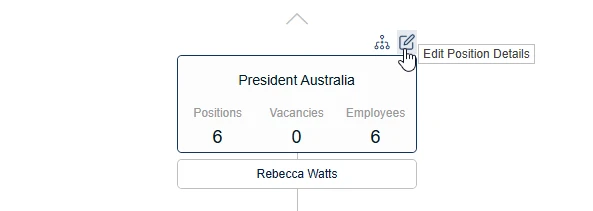
To edit an object, select ‘Edit Position Details’ when modelling is enabled:
This will open the ‘Edit in simulation’ window:
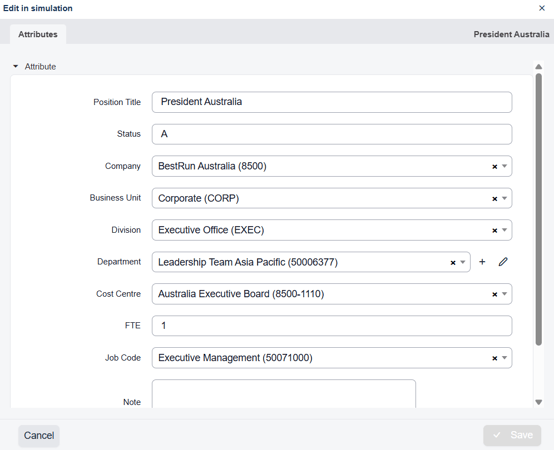
To mark this as abolished, change the status to 'I'
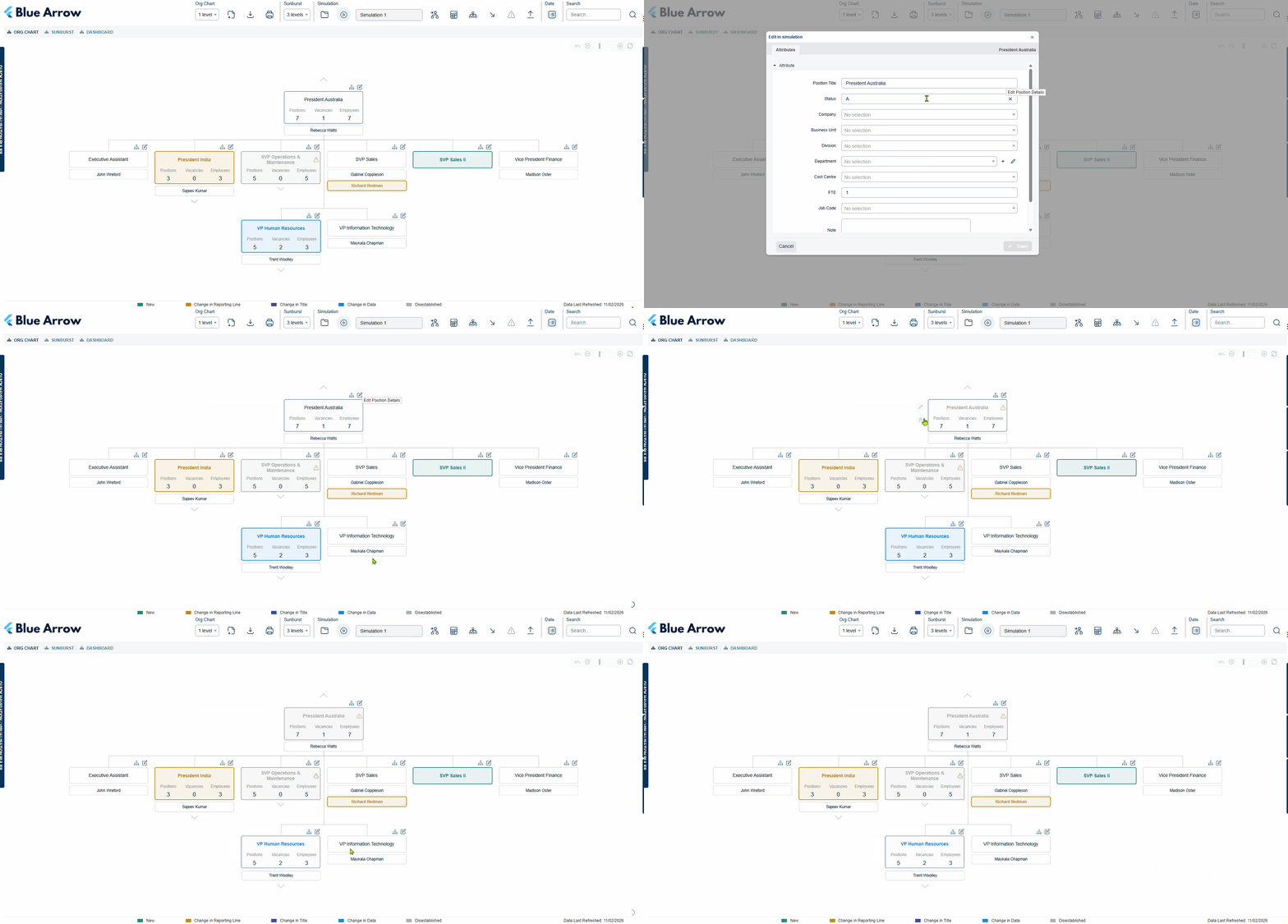
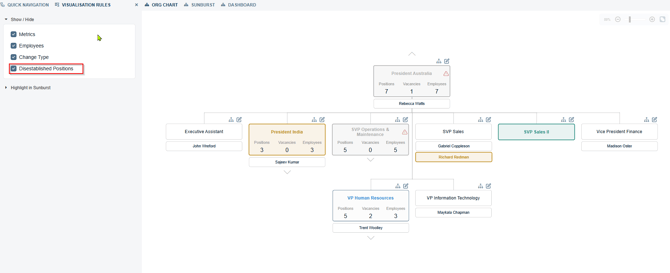
This change will also apply visual highlights on the position and may also use the visualisation rule for excluding them in the consult packs: