-2.png?width=221&height=60&name=Navigo_Logo_High_Res%20(1)-2.png)
A process is available for collaborating on multiple models that can then be merged into a single, master model. This can done using the simulation exchange files following the steps below.
-
Open the model you wish to merge into another. Download the simulation exchange file:

-
Create a new model, or open the model you wish to merge your changes into.
-
Upload the simulation exchange models downloaded in step 1.
-
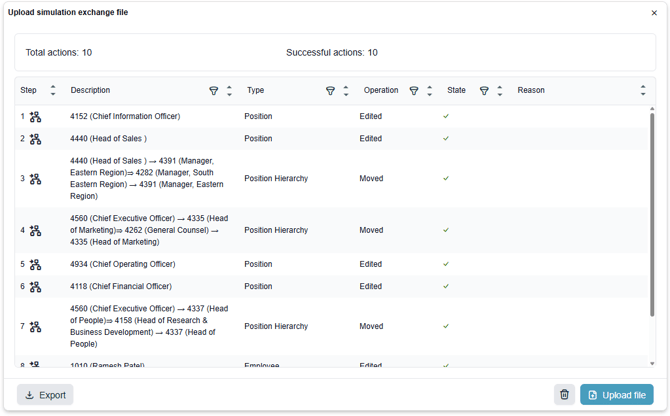
You will be presented with a summary of the changes/actions applied to the model. This summary will include any conflicts found in the model compared with the data source of the model you are merging into.