-2.png?width=221&height=60&name=Navigo_Logo_High_Res%20(1)-2.png)
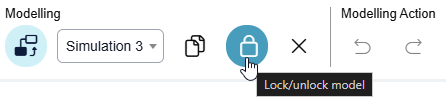
Locking your model ensures that no other user can make changes to the model you created. It places it into read only mode until you reverse this action.
To do this, click on the lock icon under the Modelling toolbar. It’s a good tool to use once a model has been approved by your stakeholders and you want to ensure that no further changes are made.