-2.png?width=221&height=60&name=Navigo_Logo_High_Res%20(1)-2.png)
CSV File
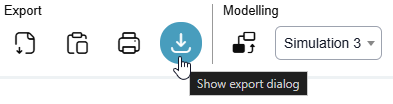
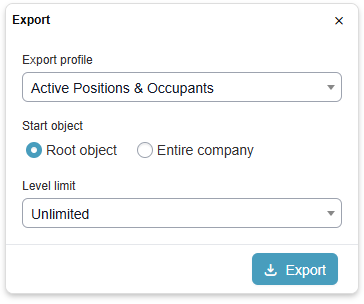
Click on the download icon under Print & Export in the toolbar. You will see a pop-up window which will allow you to export all the changes made into an CSV file.
|
Export Profile |
Exports are customisable and Navigo can create different templates according to requirements (i.e. export dedicated for HR/Org Design Teams, exports dedicated to IT tasks). |
|
Start Object |
There are two options: Root object
Entire company
|