-2.png?width=221&height=60&name=Navigo_Logo_High_Res%20(1)-2.png)
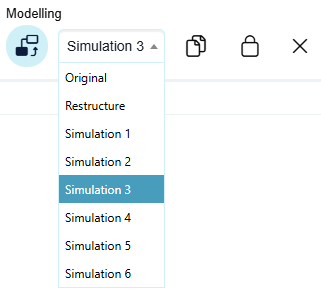
Open the model you want to make a copy of by selecting the model from the tool bar under Modelling or from the overview window.
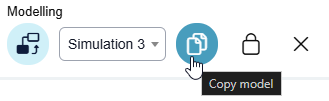
In the toolbar under Modelling select the Copy Model icon.
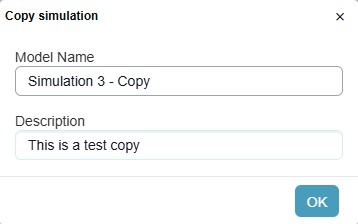
Give the new copy a name and select OK. You will be redirected to the copy and can commence making further changes.